Documentation
Get back to a working setup
Start with the message Gate House shows. Diagnostics brings together connection results, storage health and your environment so you can narrow down the cause.
In WordPress: Settings → Gate House → Diagnostics
Locked out? Jump to recovery instructions.
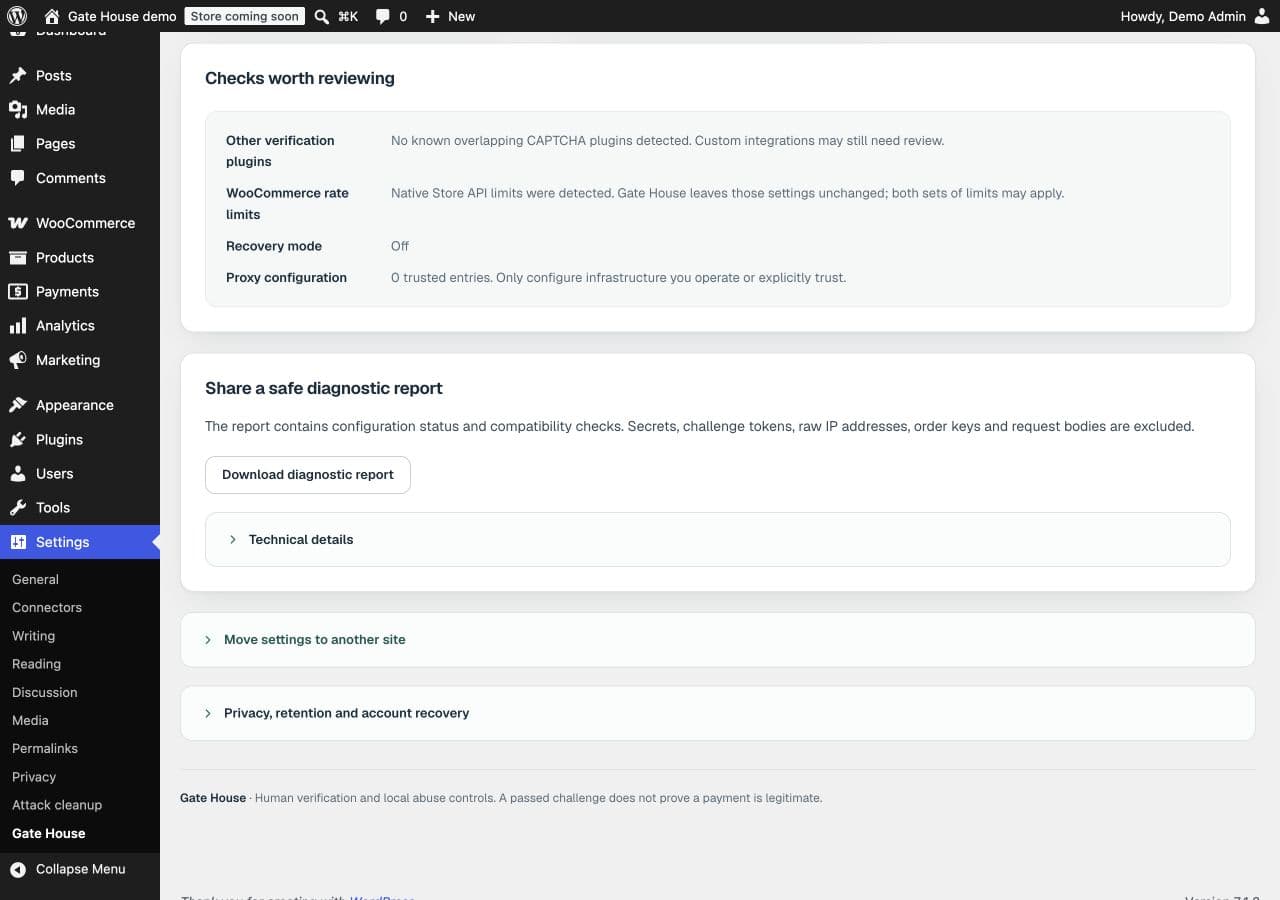
Read the reported problem
Check Provider connection, Activity storage and Checks worth reviewing.
Choose the matching situation below
Test corrections on staging, then retry the affected journey.
The provider connection test fails
Check that the provider, verification mode, key pair and hostname match. Save changes before completing a fresh challenge and selecting Run connection test. reCAPTCHA needs SiteVerify-compatible keys, not a Google Cloud API key.
If the challenge cannot load, check browser extensions, consent settings, content security policy and script optimizers. Your host must also allow server verification requests. See human-check setup.
A legitimate visitor is blocked
Find the time, form and reason in Activity. Check the relevant Rules setting before changing limits. An account-abuse block can occur even after a passed CAPTCHA. An explicitly quarantined account needs review and restoration through Attack cleanup.
For storage errors, ask your host to inspect the database. Download a diagnostic report for support; review it before sharing.
My license or automatic updates need attention
Open License and review the message. Check your key, available site allowance and subscription in your account. A failed renewal has a short grace period. Expiry stops automatic updates and support; installed protection and cleanup keep working.
I’m locked out: recovery through server access
Ask your host or administrator to temporarily add this to wp-config.php:
define('USP_RECOVERY_MODE', true);This puts checks into observation and suspends quarantine restrictions. Cleanup allows restoration, but not new quarantine or deletion. Native WordPress authentication still applies. Correct and test settings, then remove the constant; saved rules take effect again.
With trusted WP-CLI access, wp usp status reports state. wp usp recover instead saves human-check and attempt-limit modes as Observe and clears attack/outage modes. In 1.2.1, that command does not disable account-abuse blocking or quarantine. There is no public bypass URL.
Updating, moving settings or keeping keys in configuration
Upload the new ZIP and choose Replace current with uploaded. Don’t uninstall first: optional uninstall cleanup can remove plugin data. Keep the internal folder unified-site-protection.
Diagnostics can export settings without secrets; imports start in observation. Reconnect and test the destination. Developers can supply USP_SITE_KEY, USP_SECRET_KEY and USP_LICENSE_KEY through constants or environment variables.